Blog Feed & Content Discovery
Category-Based Filtering with Card Layout
The heart of Blogify is its community-driven blog feed. Upon logging in, users are greeted with a grid of blog post cards — each featuring a cover image, title, author name, category tag, and a truncated preview of the content. A dropdown filter allows readers to narrow down posts by category (Technology, Lifestyle, Education, Travel, etc.), making it easy to discover content that matches their interests.
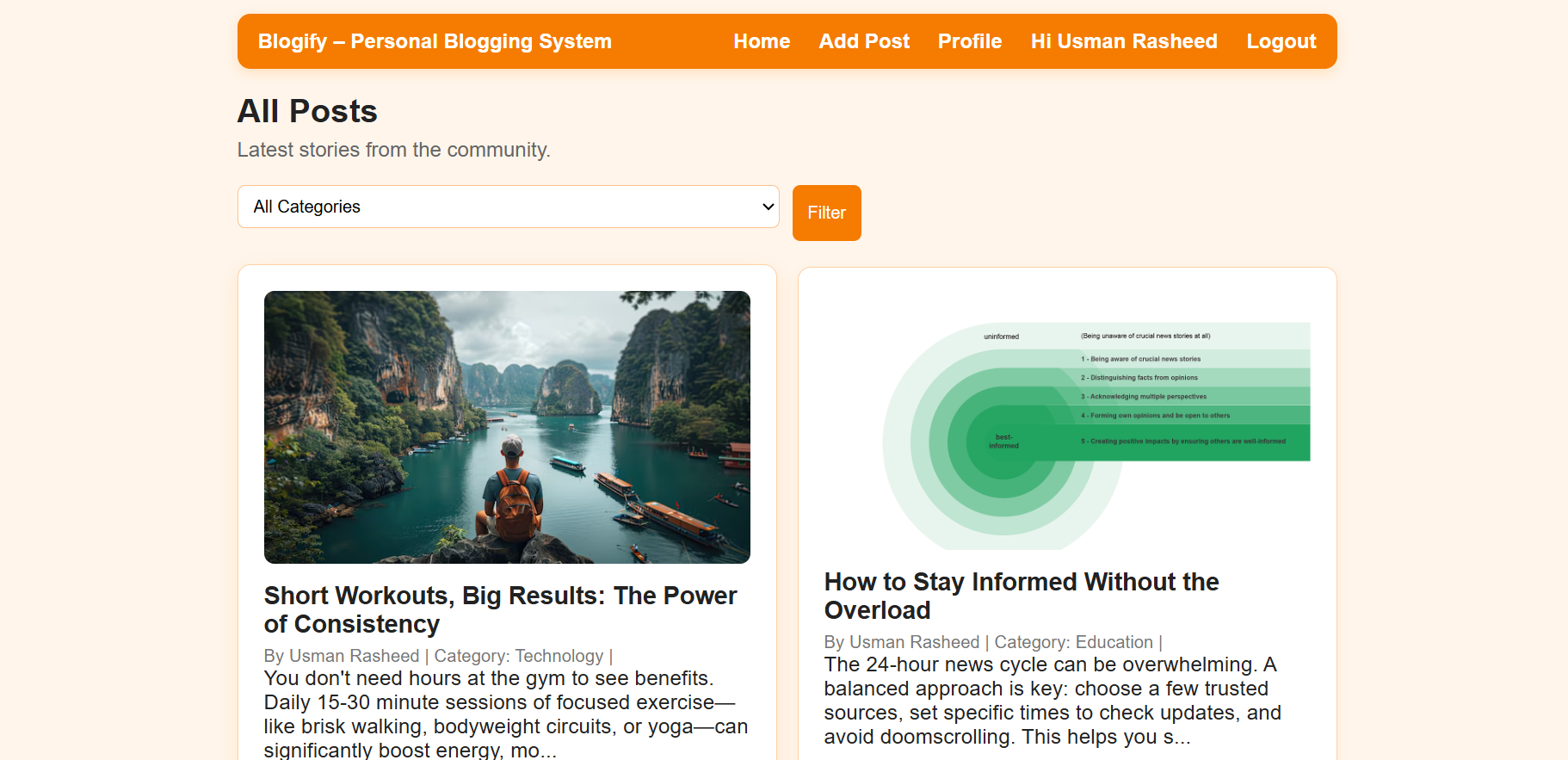
Each post card is designed for quick scanning — the "See more" link invites readers to dive into the full article. The feed supports multiple authors, so posts from different users appear together in a unified timeline. The navigation bar at the top provides quick access to Home, Add Post, Profile, and Logout, keeping the user experience streamlined and intuitive.
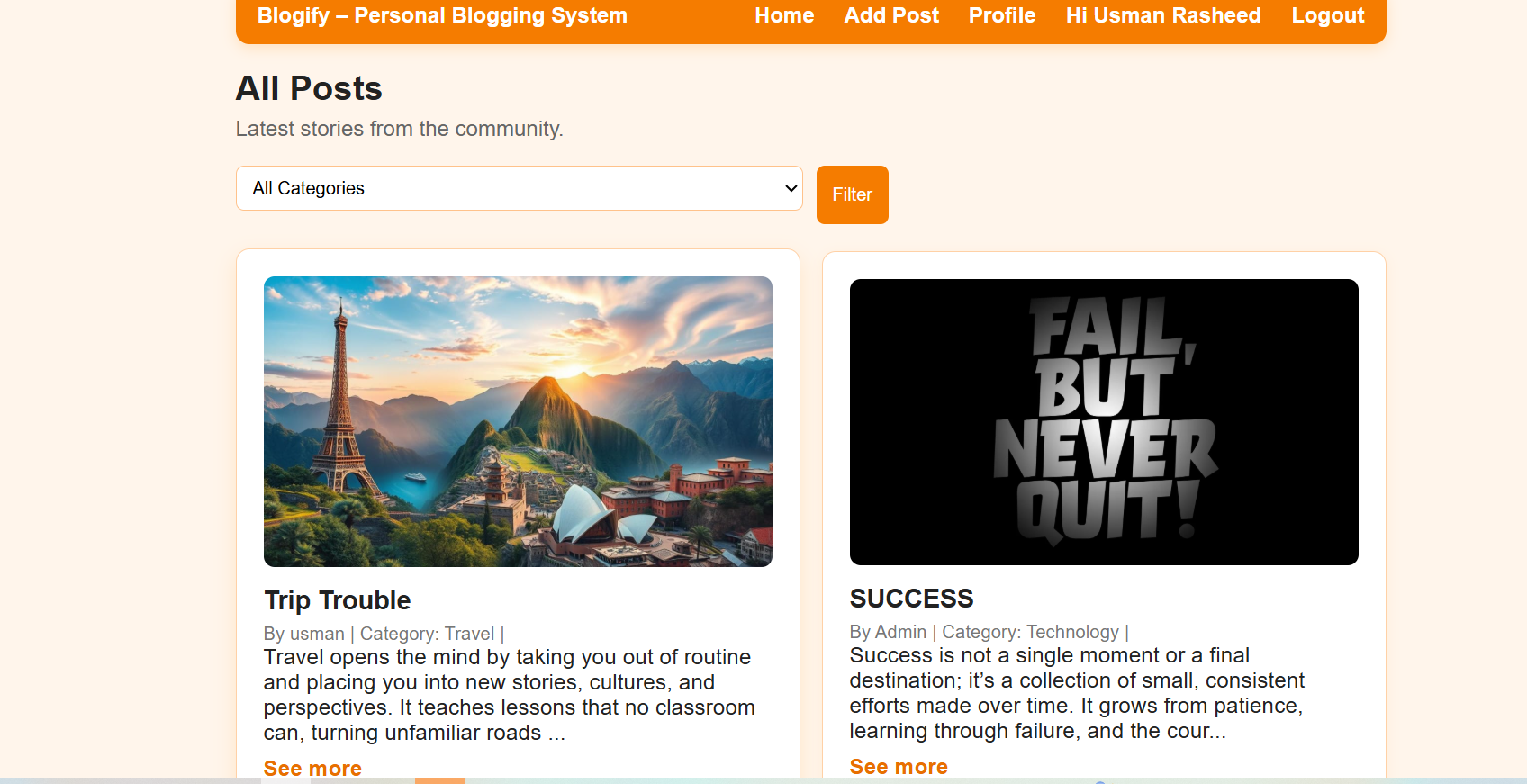
The feed dynamically displays posts from all registered users. Posts by different authors — including Admin and regular users — are shown side by side. The category-based filter button triggers a re-query to the MySQL database, returning only posts that match the selected category, delivering a smooth content discovery experience.
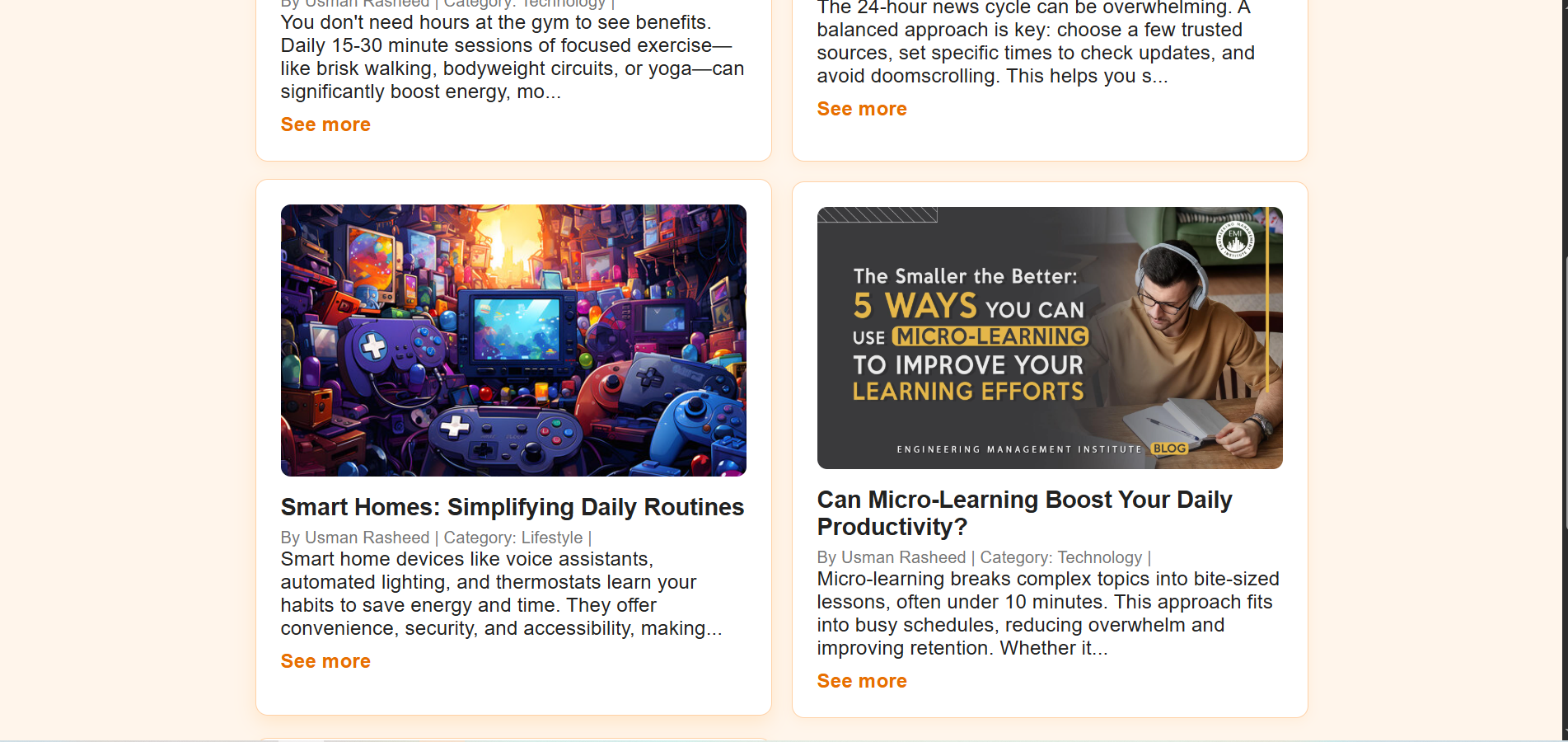
Scrolling further reveals additional posts covering diverse topics — from smart home technology to micro-learning productivity tips. The consistent card layout with cover images, author metadata, and category labels ensures visual coherence across the entire feed, regardless of how many posts are published.
Post Creation & Publishing
Rich Content Authoring with Image Upload
Authors can create new blog posts through a dedicated "Add New Post" page. The form includes a category dropdown selector, a title field, a content textarea for the post body, and a file upload input for attaching a cover image. The "Posting as" label dynamically displays the logged-in user's name, confirming authorship before submission.
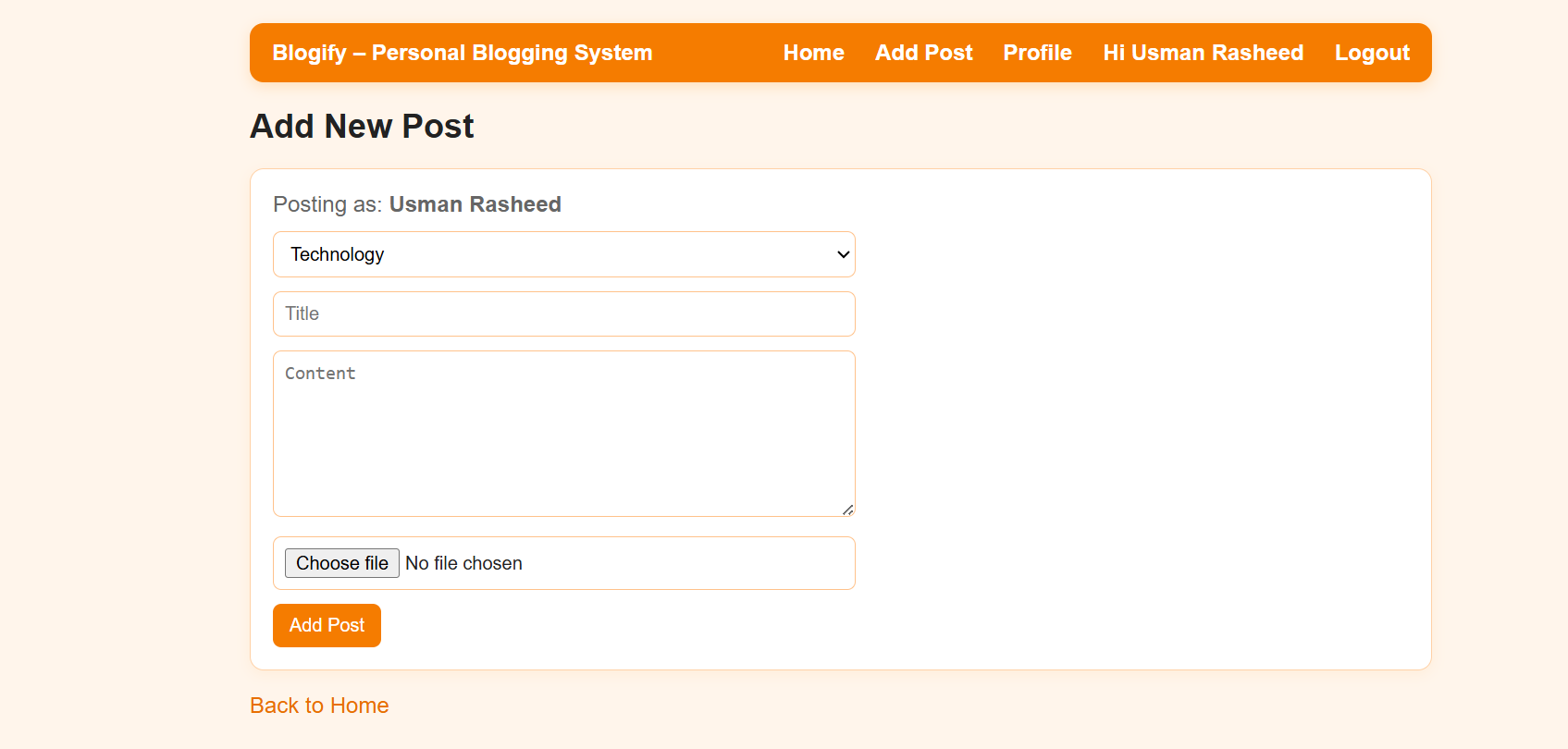
On the backend, the form submission triggers a PHP script that validates inputs, processes the uploaded image (storing it in the server's uploads directory), and inserts the new post record into the MySQL database with the title, content, category, author ID, image path, and timestamp. A "Back to Home" link provides easy navigation back to the feed after publishing.
Single Post View & Comments
Full Article Display with Community Interaction
Clicking "See more" on any post card opens the full article view. The single post page displays the cover image at the top, followed by the post title, author name, category label, and the complete article body. Below the content, a Comments section shows existing reader comments, and an "Add Comment" form with a textarea allows logged-in users to participate in the discussion.
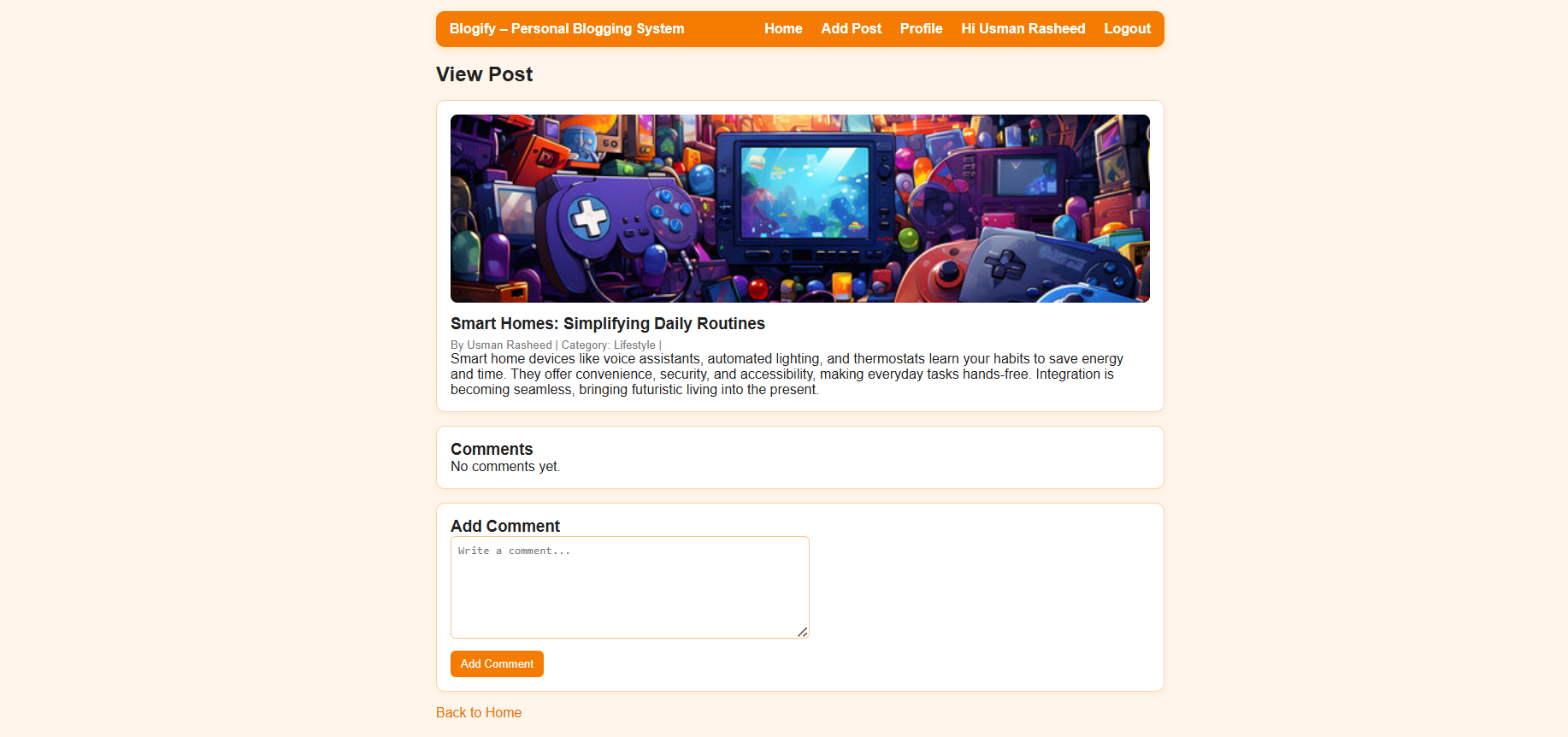
The commenting system is powered by a separate MySQL comments table that links each comment to the post ID and the commenter's user ID. Comments are fetched and displayed in chronological order beneath the article. The "Add Comment" button submits the comment via a PHP POST request, instantly reflecting it on the page after a refresh. A "Back to Home" link keeps navigation fluid.
User Dashboard & Profile Management
Admin Panel with Author & Post Controls
Every user has a personalized dashboard displaying their profile overview — including avatar, name, email, and role badge (Admin/Author). Quick-glance stat cards show the total number of "My Posts" and "My Comments" at a glance. Below the stats, collapsible accordion sections give access to Update Profile, Manage Authors, and Manage Posts functionalities.
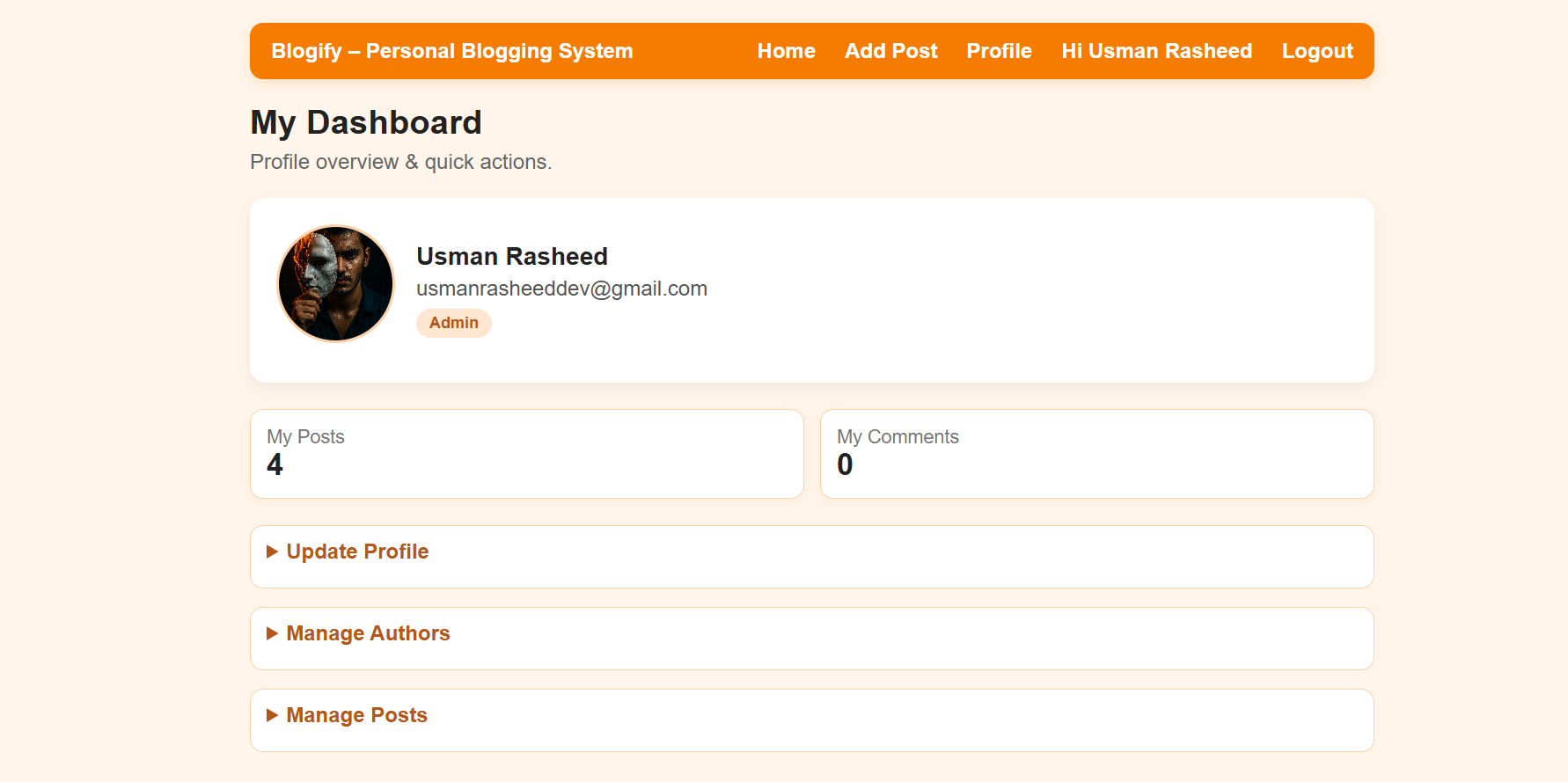
The "My Posts" and "My Comments" counters are dynamically computed from the database, giving users instant visibility into their activity. The role badge (Admin) is conditionally rendered based on the user's role stored in the MySQL users table, ensuring that admin-specific controls are only visible to authorized users.
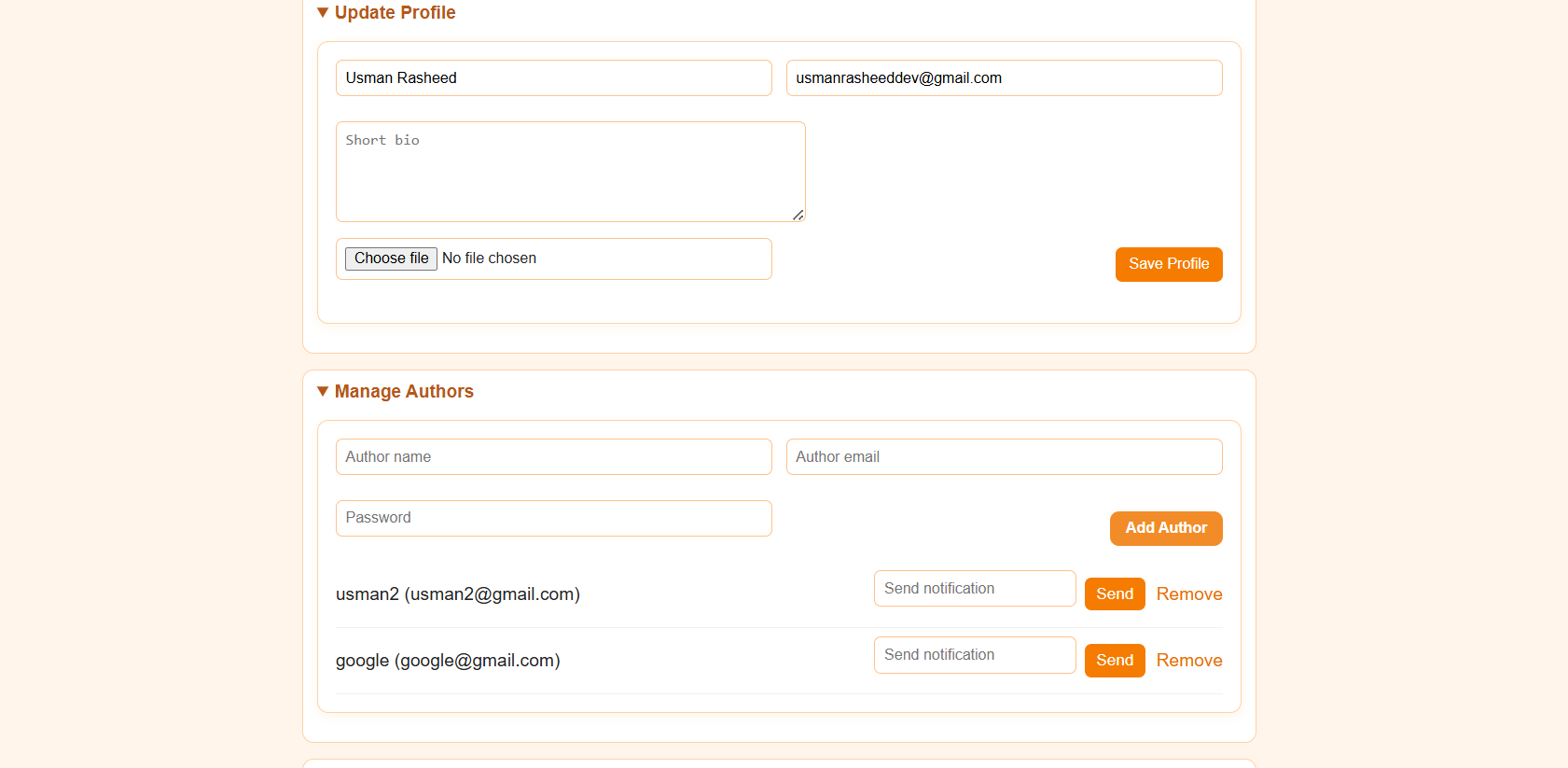
Expanding "Update Profile" reveals editable fields for the user's name, email, bio, and profile picture. The "Manage Authors" section (admin-only) allows adding new authors by entering their name, email, and password, listing existing authors with "Send notification" and "Remove" actions. This multi-author management system enables the admin to onboard collaborators and control access within the platform.
Post Management & Content Moderation
Full CRUD Operations with Edit & Delete Controls
The "Manage Posts" accordion section provides a complete content management interface. All posts authored by the user (or all posts for admins) are displayed in a card grid with the title, author badge, and a content preview. Each card includes "See More", "Edit", and "Delete" action links, enabling full CRUD (Create, Read, Update, Delete) operations directly from the dashboard.
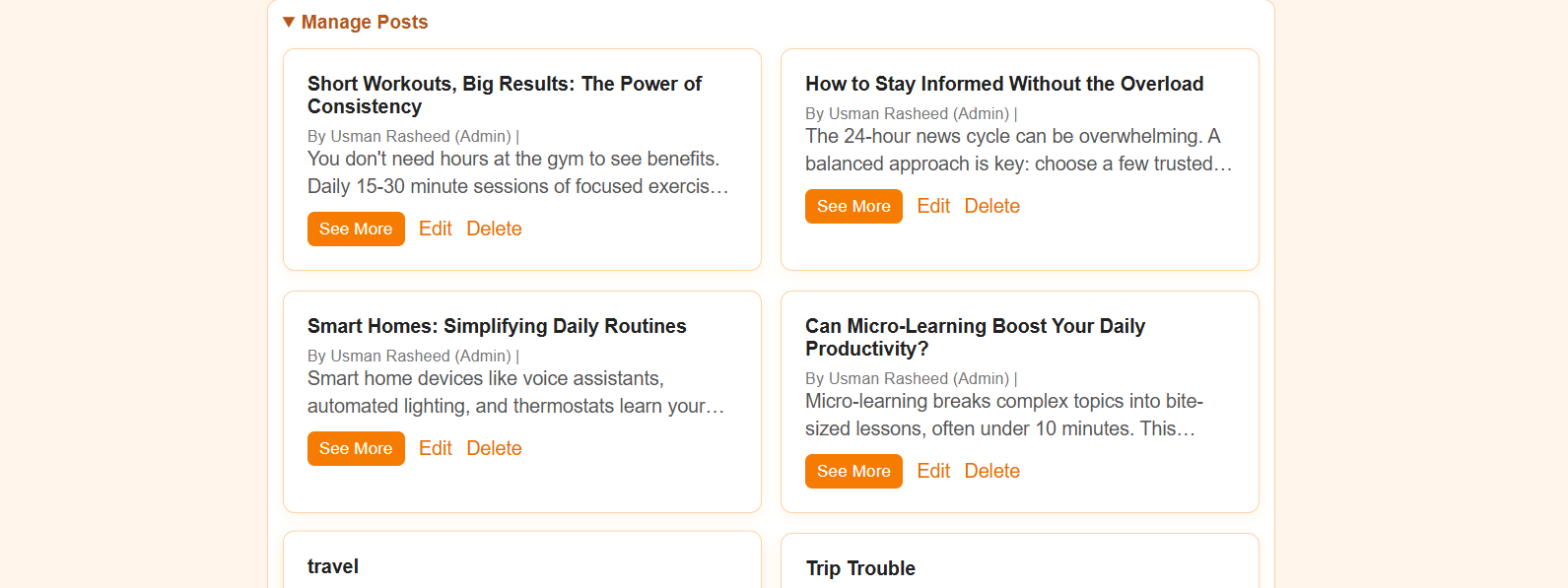
The Edit functionality loads the existing post data into a pre-filled form, allowing the author to modify the title, content, category, or cover image. The Delete action triggers a confirmation and then removes the post record from the database along with its associated comments. Admin users have elevated privileges, able to edit or delete any post regardless of authorship — ensuring complete content moderation control over the platform.