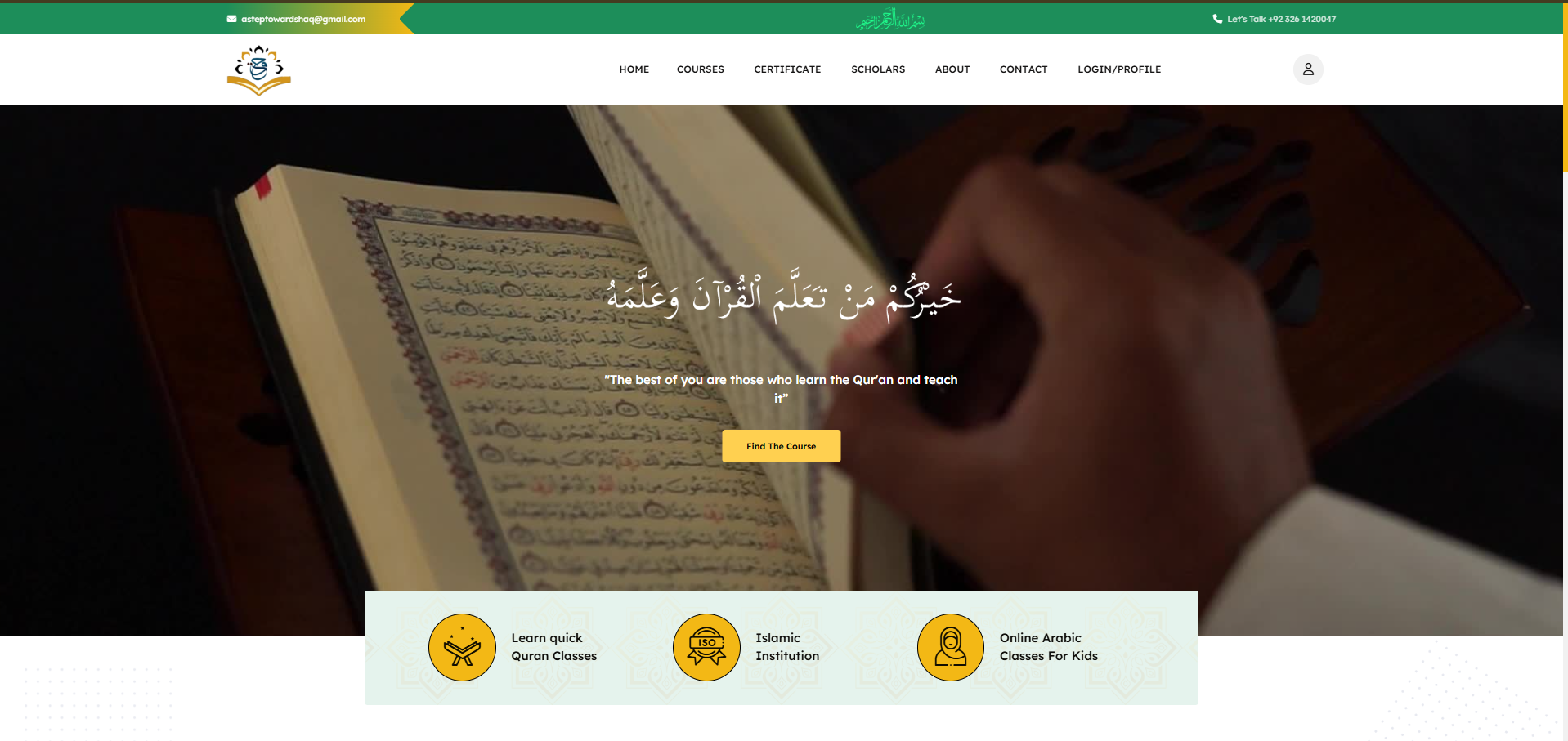
The Spark & Institutional Vision
Digitalizing Traditional Arabic & Quranic Education
Traditional Islamic institutions often face geographical barriers in spreading knowledge. "A Step Towards Haq" was envisioned to bridge this gap, providing students worldwide with easy access to Quranic and Arabic education. By combining robust database engineering with user-centric frontends, we created a single platform where seekers of knowledge could easily enroll in Arabic courses, Tafseer classes, and study programs with certified scholars.
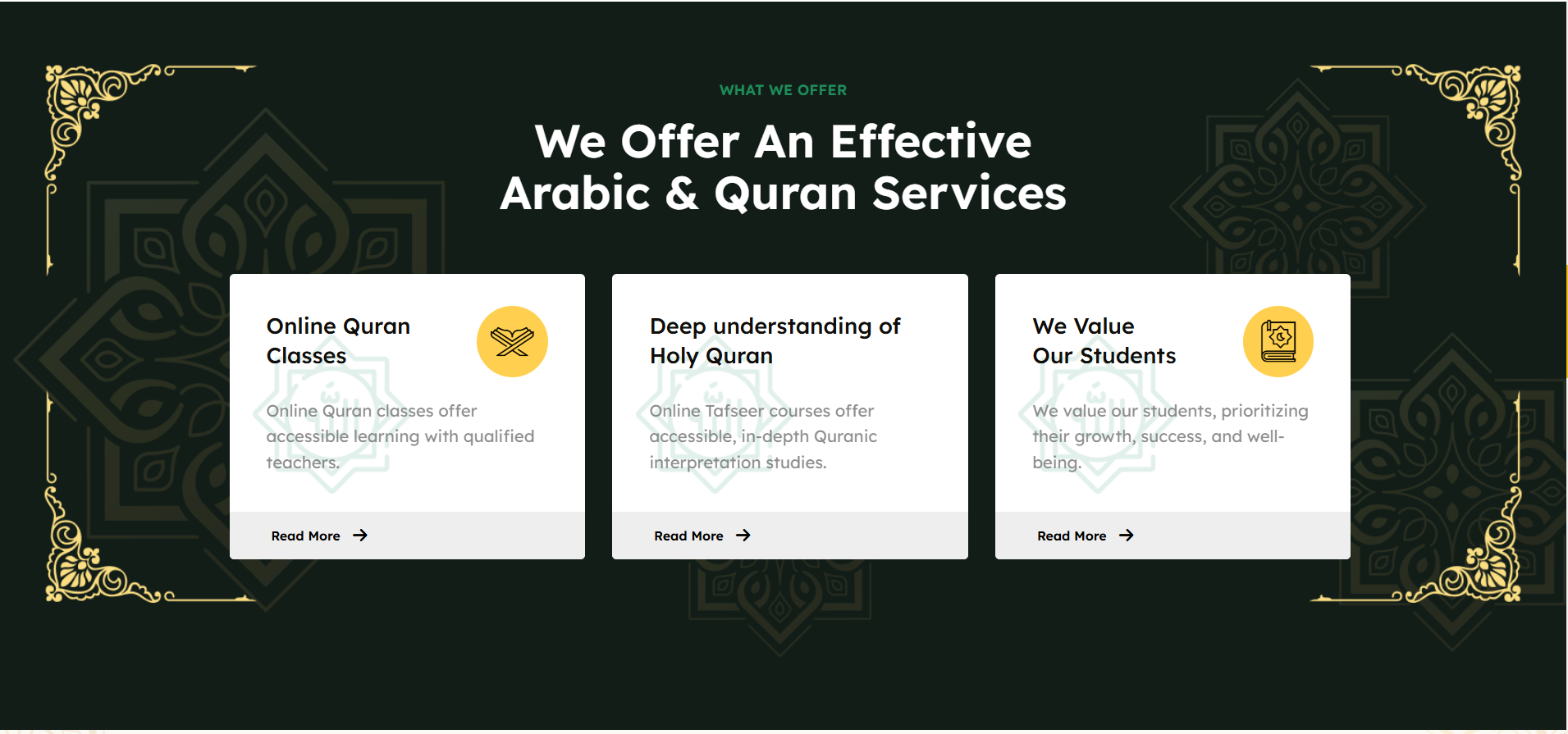
For the visual system, we designed a dark-olive theme using star-mandala watermarks, Bismillah calligraphy headers, and gold geometric corner borders to evoke a premium Islamic aesthetic. Services are structured into accessible cards covering kids' online Arabic lessons, Quranic recitation classes, and translation programs, all optimized using flexible Tailwind CSS layouts.
Automated Credentials & Progress Tracking
Dynamically Generated Certificate Pipeline
To motivate students, we built a dynamic credential system. Manually designing, verifying, and emailing certificates of completion for hundreds of students is an operational bottleneck. To solve this, we implemented an automated certificate generation pipeline. When a student completes all required lessons and clears the final assessment, the backend automatically generates a secure, personalized PDF/image certificate of qualification.
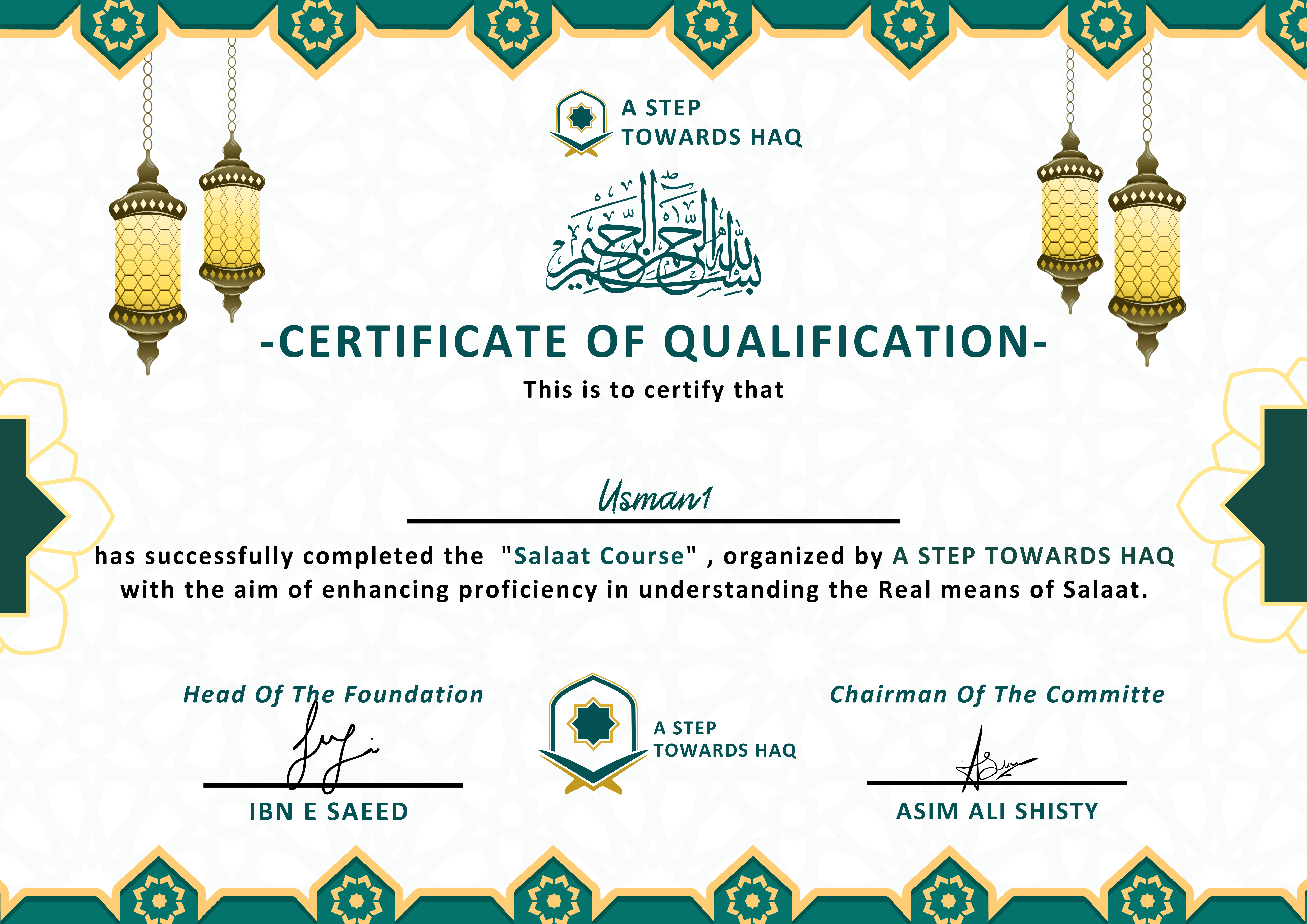
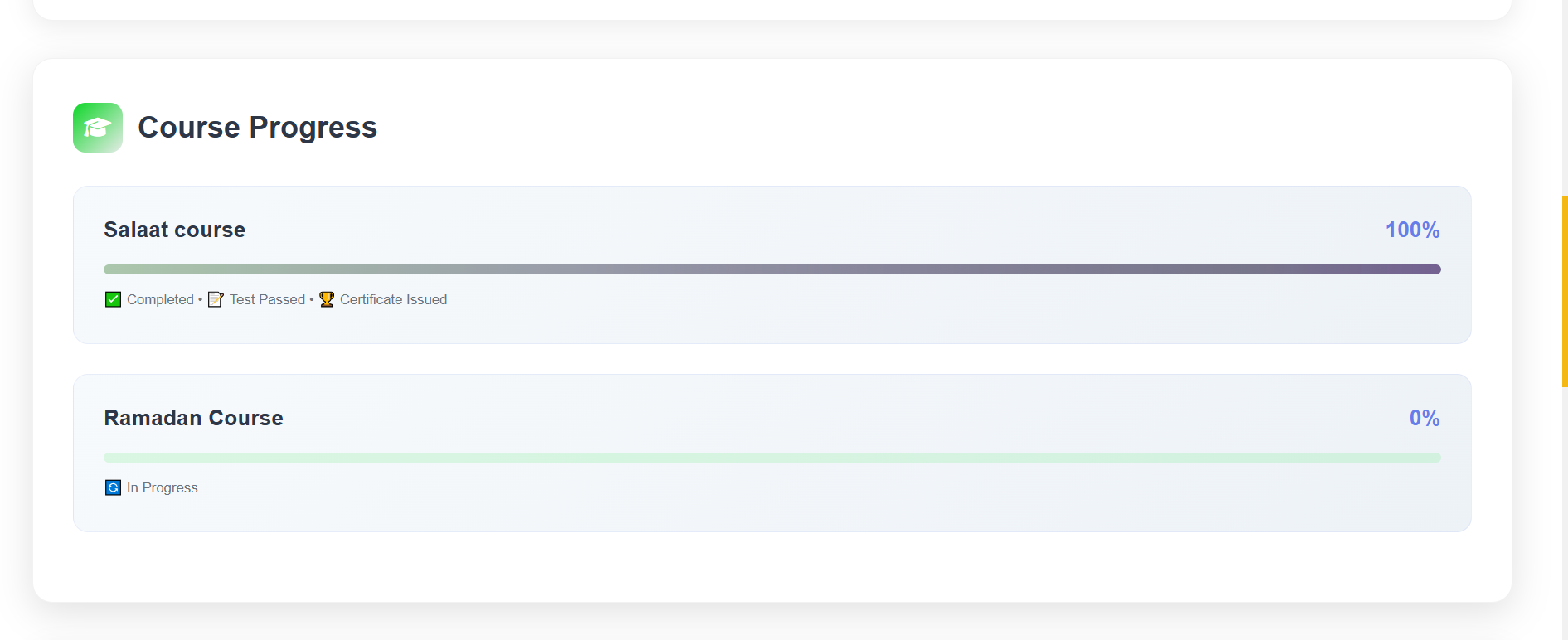
The generated certificate dynamically injects the student's name, roll number, course details, and digital signatures from the chairman. To ensure absolute progress transparency, students can monitor their status in real-time on a dashboard showing progress percentages, milestone checkboxes (Completed, Test Passed, Certificate Issued), and course states.
Community Growth
D3.js Multi-Level Referral Visualization
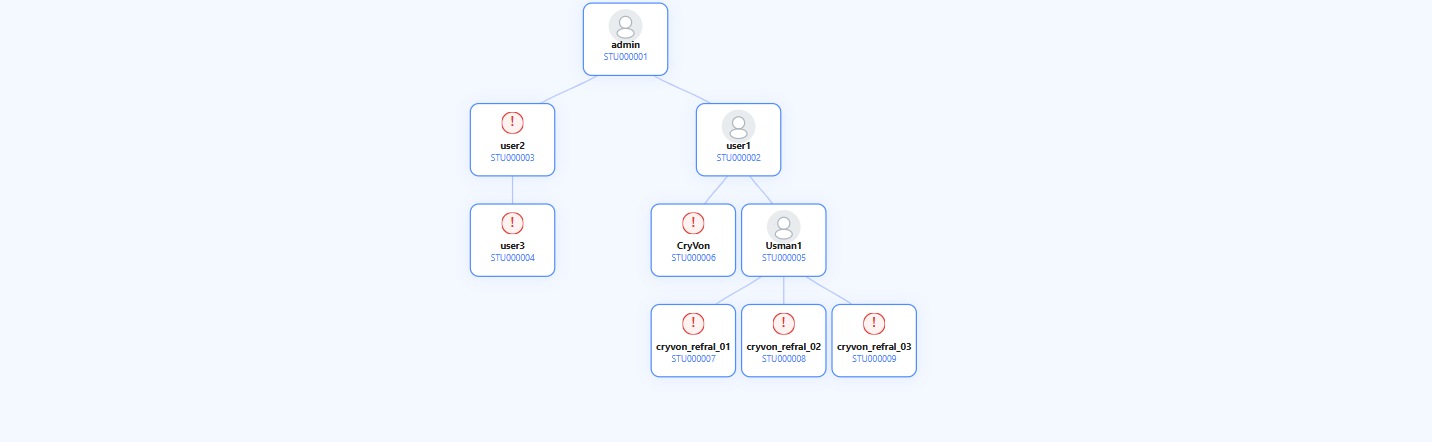
Growth is community-driven. We implemented a multi-level referral architecture where students can invite others to join the learning journey. However, tracking deep hierarchy trees can be extremely complex. To solve this, we integrated an interactive graphical tree diagram using D3.js, rendering a node-based map of the entire student relationship network directly in the admin panel.
The interactive tree maps out student IDs (e.g. STU000001) down to unlimited referral depth. Active nodes show active student status, while invalid registrations or incomplete profiles trigger warning badges, making it simple for administrators to audit network growth and maintain chain attribution.
Student Dashboard
Real-Time Progress & Referral Tracking
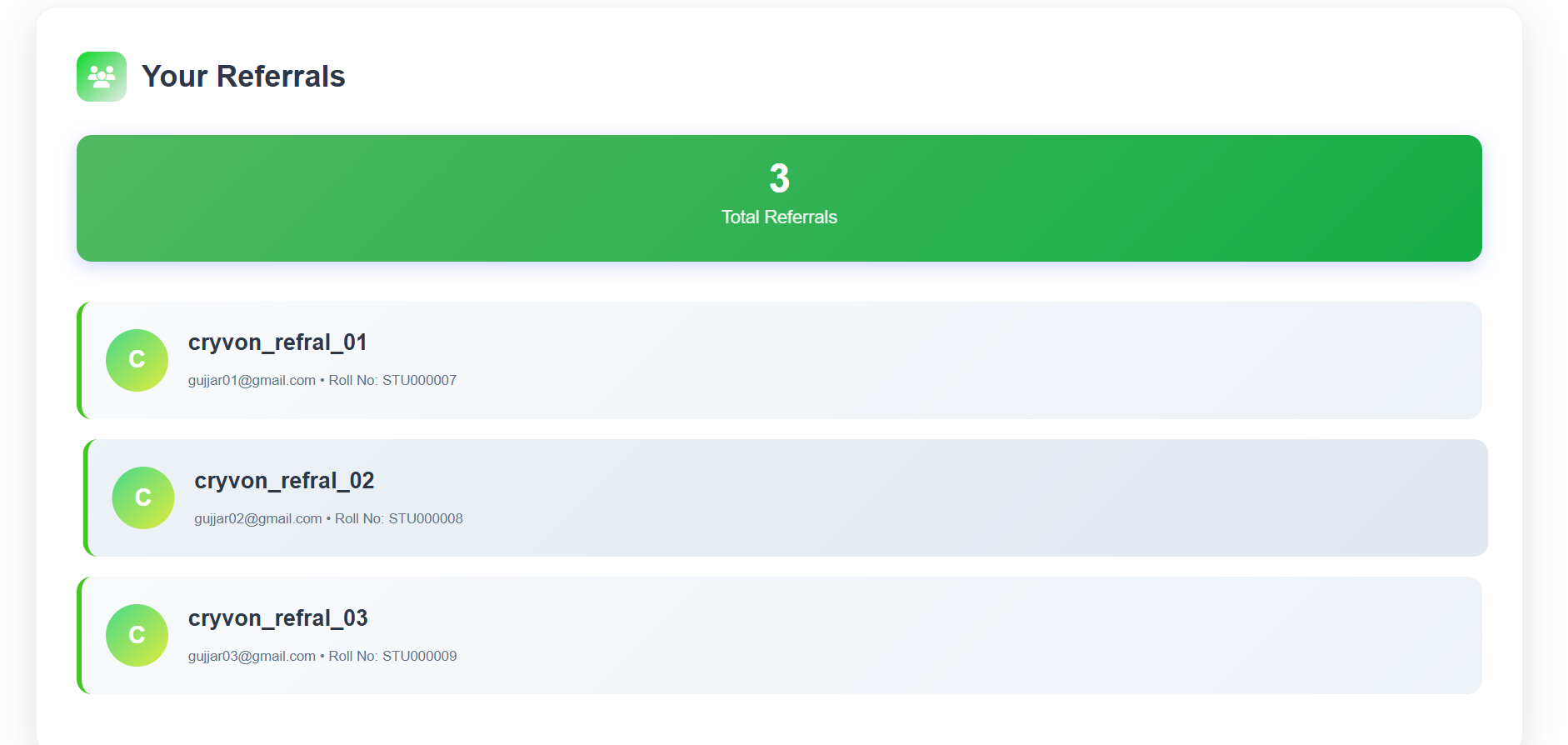
Each student has a personalized dashboard showing their academic progress in real-time. Dynamic progress bars update as students complete lessons, while milestone badges (✅ Completed, 📄 Test Passed, 🏆 Certificate Issued) give instant feedback. Alongside this, a dedicated referral panel lists every student they have invited, complete with username, email, and assigned roll number.
The Course Progress panel provides a real-time visual breakdown of each enrolled course. A dynamic progress bar fills as lessons are completed, accompanied by milestone status badges — ✅ Completed, 📄 Test Passed, and 🏆 Certificate Issued. In-progress courses display their current percentage alongside a 🔄 indicator, giving students a clear roadmap of exactly where they stand at any given moment.
Each student has a dedicated Referral Tracking section displaying how many users they've invited and the details of each referral. A prominent banner card shows the total referral count, while individual referral cards list each invited student's avatar initial badge, username, registered email, and assigned Roll Number — providing complete transparency over their community contributions.
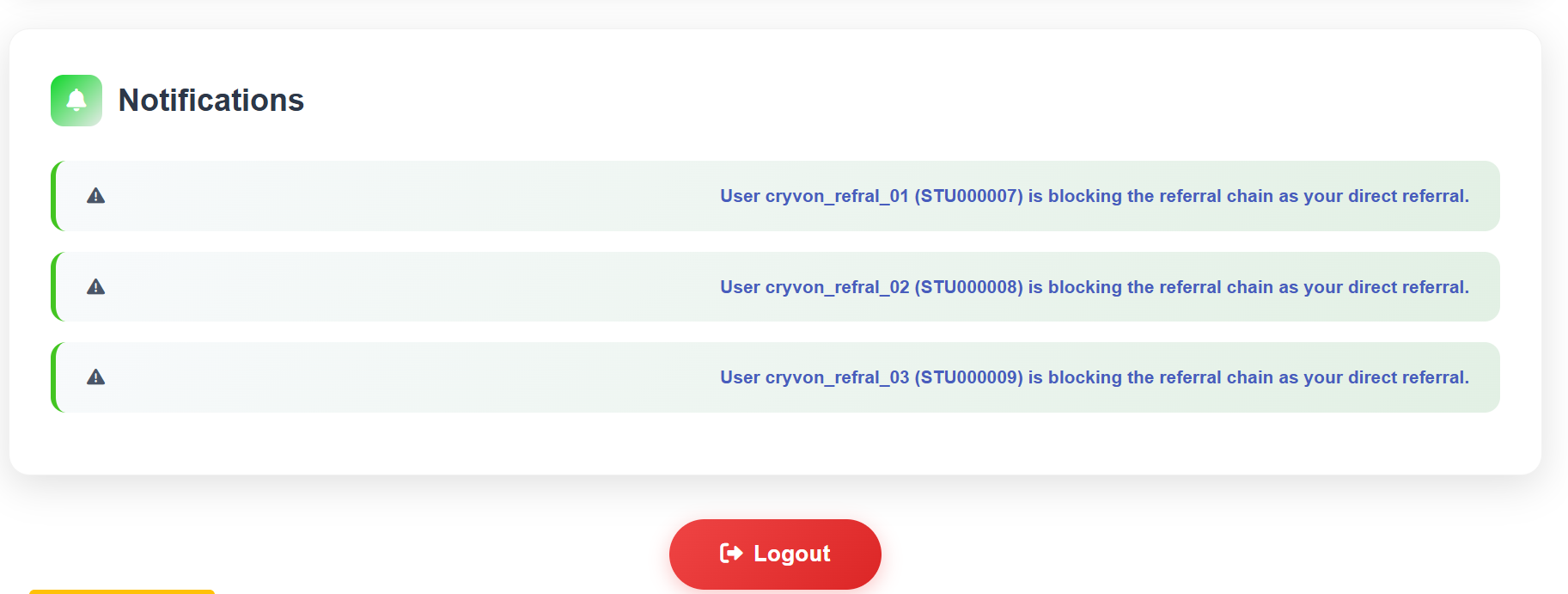
The Notification Panel alerts students when one of their direct referrals is blocking the referral chain — meaning the referred user hasn't completed the required steps. Each notification is rendered as a styled alert card with a ⚠ warning icon and descriptive text identifying the specific user and their Roll Number, motivating students to engage with their referrals and maintain an unbroken network.
Admin Controls & Chain Integrity
Roll Number Queries & Broken Chain Alerts
To maintain a healthy referral network, we built a broken-chain notification system. If a referred student stops completing steps, it blocks the referral sequence. The backend automatically monitors these states and pushes warning notifications to the parent student's dashboard, displaying real-time alerts so they can nudge their referrals to remain active.
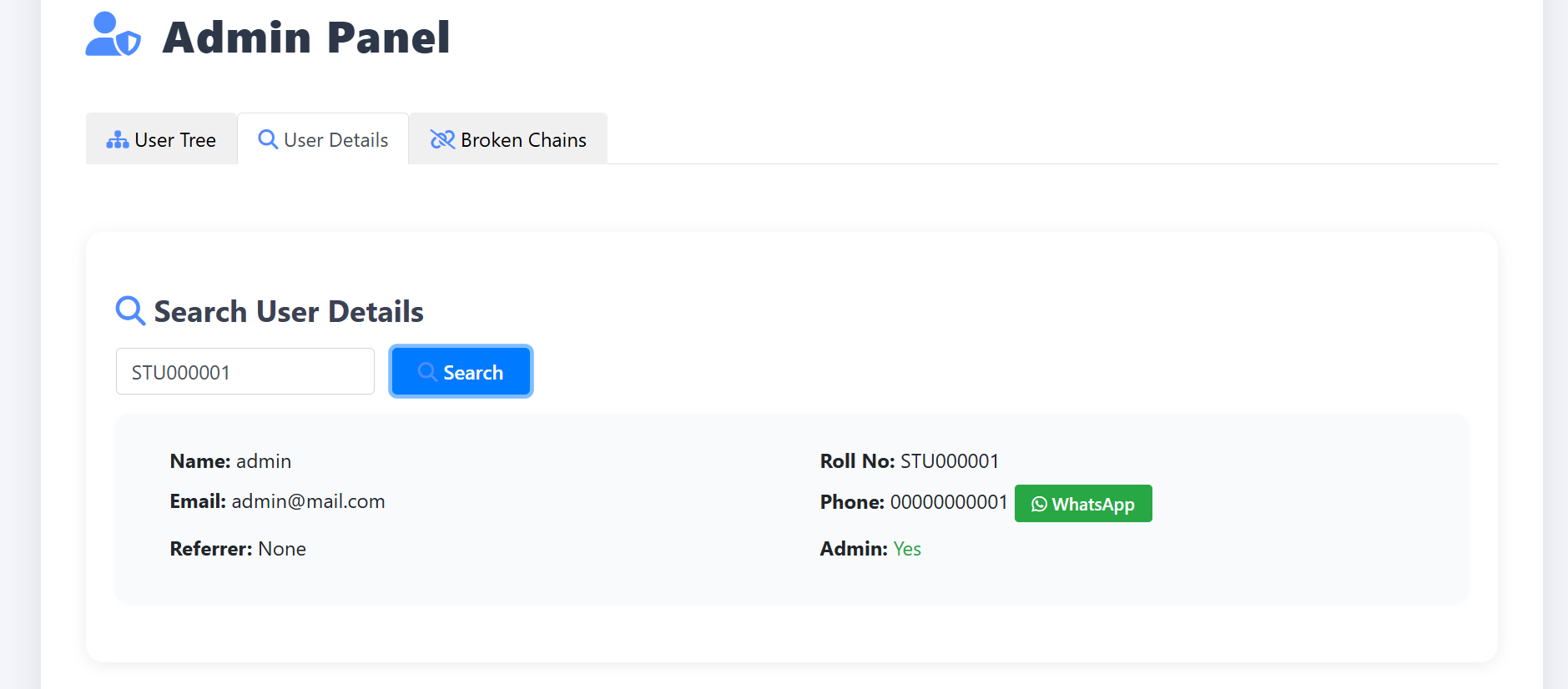
Additionally, administrators can search for any student by entering their unique Roll Number, bringing up their complete profile details. We integrated a WhatsApp deep-link icon next to the student's phone number, enabling admins to instantly open a WhatsApp conversation with the student with a pre-filled message, simplifying communication and student support.